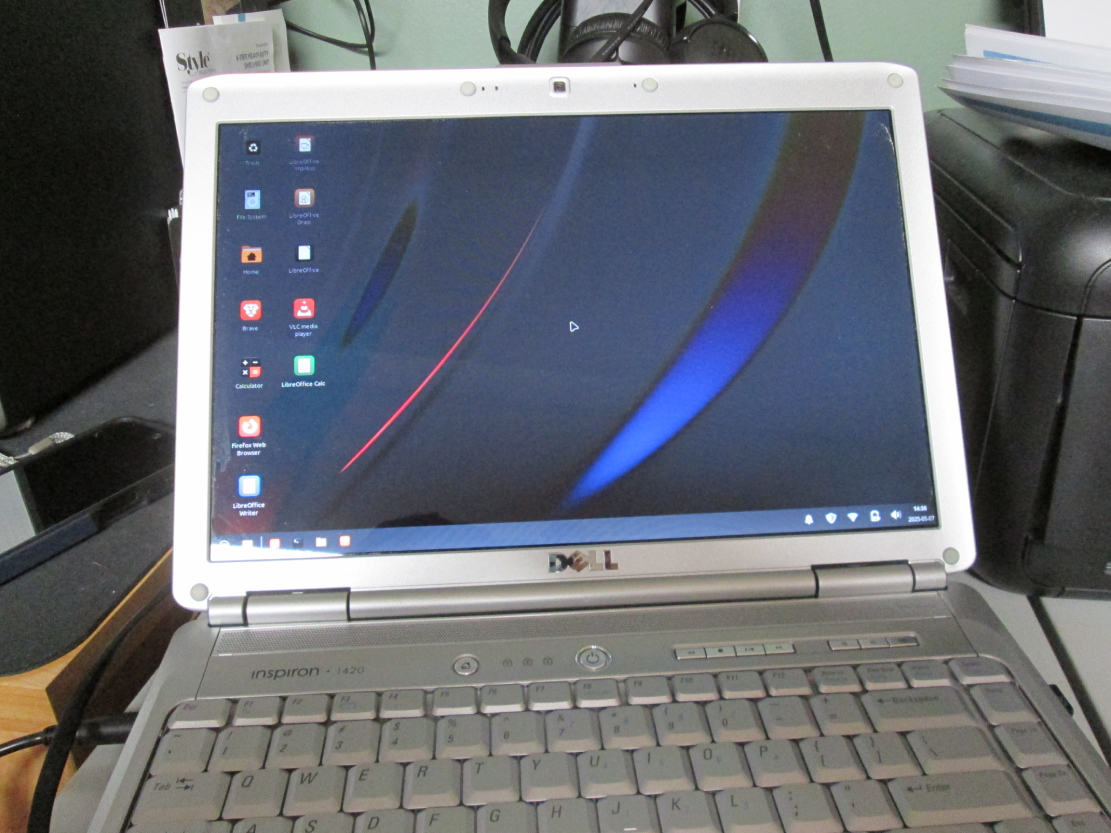
By now you should know that Windows 10 will be not updated, etc., by Microsoft anymore. The end is not only in site, but it is here right now. I mentioned a while back to friends and family that Linux is an option to Windows This is the computer we call the Red Dell and it is rather old.
Although the computer is very old, I am thinking 15 years or so, it still runs nicely and is actually rather good for word processing and general Internet browsing. On top of that, it is red, and that’s cool to the max.
Two years ago I converted it to Ubuntu, a Linux distro, and the computer worked like new. I thought I’d have to recycle it. It seemed like the sound card was dead and there were more than a few other problems. On a lark I converted it to Ubuntu, a distro of Linux. Although Ubuntu is the most popular Linux distro, there are quite a few others. After I installed Ubuntu the old Dell worked perfectly, including the sound!
Naturally, I also added LibreOffice, VLC Player, Brave, and all the other necessary programs and apps. The whole setup was great.
Unfortunately, a recent update to Ubuntu caused the old Dell to kick the bucket, or so I thought. I could not figure out why the display looked like heck. After some trouble-shooting, all of which failed, I decided to convert over to Mint, another Linux distro. I selected one of 3 Mint versions, XFCE Edition which is supposed to be easier on the computer’s resources than the top-not Cinnamon Edition. I figured that would be a good choice for an ancient computer. Now Red Dell is back to working like new again. That’s saying a word or two, if you know what I mean.
Anyway, the point is, rather than recycle your old Windows 10 computers this coming October, you might want to consider converting to Linux of some sort. Ubuntu and Mint are both pretty cool and you can have just about any type of app or program to go with them. It should be no surprise that I installed LibreOffice and VLC player. Brave is my primary browser on that machine.
Ubuntu is a little easier to install. The instructions are straight forward. My best guess is that anybody with a medium level of computer experience can do it. Mint is a little more complicated because it requires certain pre-installation steps to make sure you have downloaded a proper and error free version. That is more like what we used to see in the old days, but that is something that I guess Linux hardcore users consider to be typical. All that being said, I really like Mint.
I have two more computers to convert to Linux. I am not recycling them because I paid a screaming fortune for them and they work just as well today as they did the day I brought them home from Best Buy.
We will see what we will see.